
Role Of User
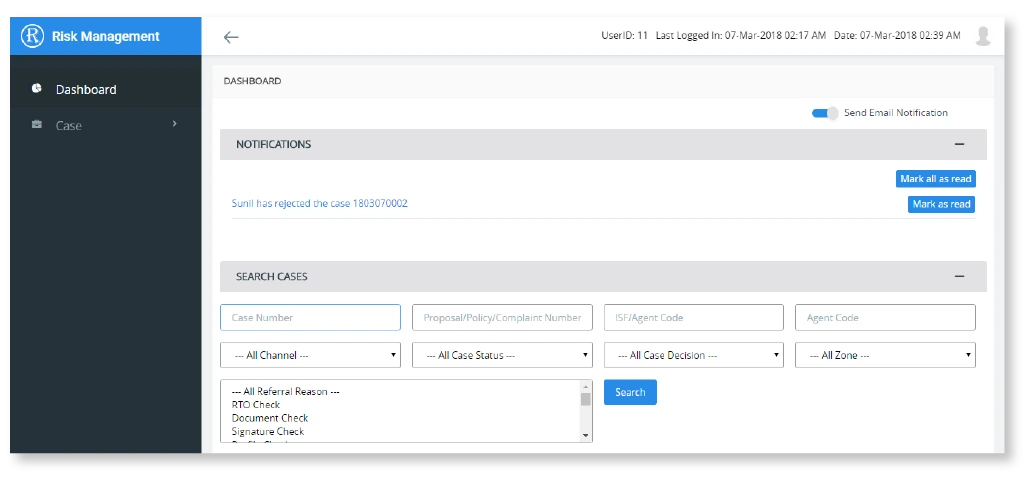
There are four types of the users in the system. User can access the system features on the role base.
- Super Admin
- Referral Admin
- Risk Admin
- External Admin
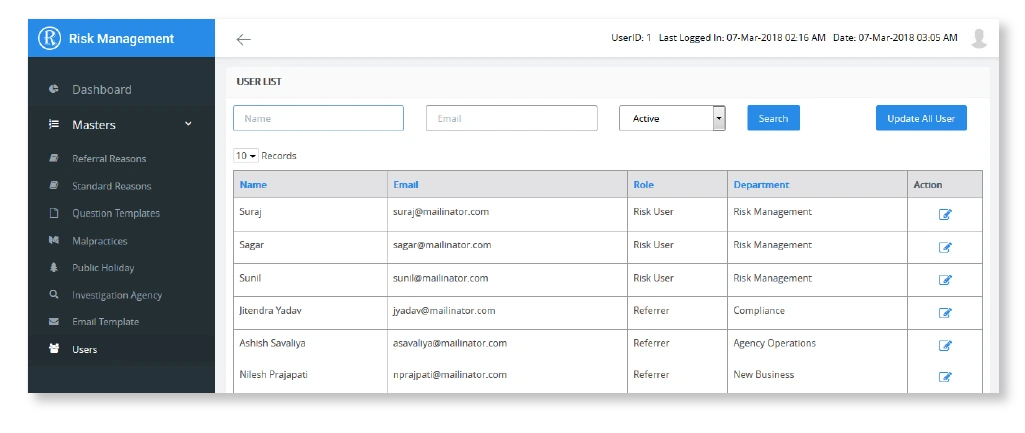
CORE FEATURE
User Management
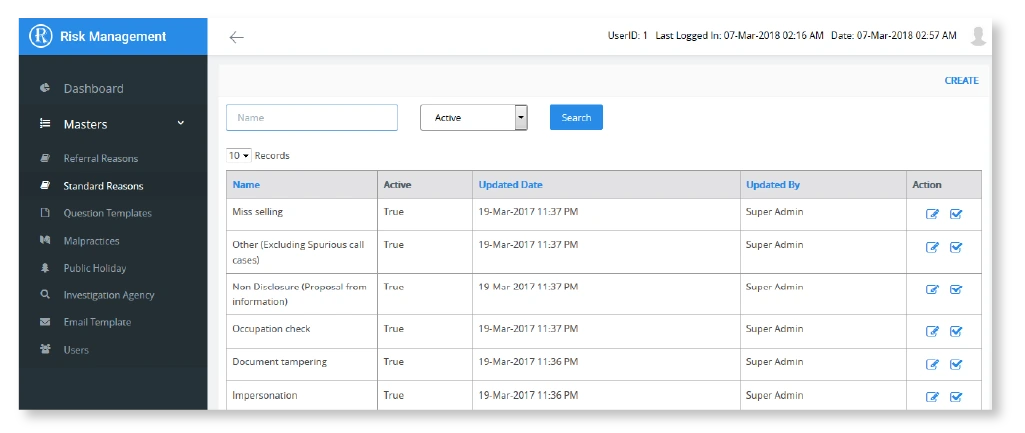
A user designated as user administrator will be responsible for managing and controlling the access to the system. He will be able to add/edit/delete/activate/deactivate the users in the system and assign them roles as needed.
Case Processing
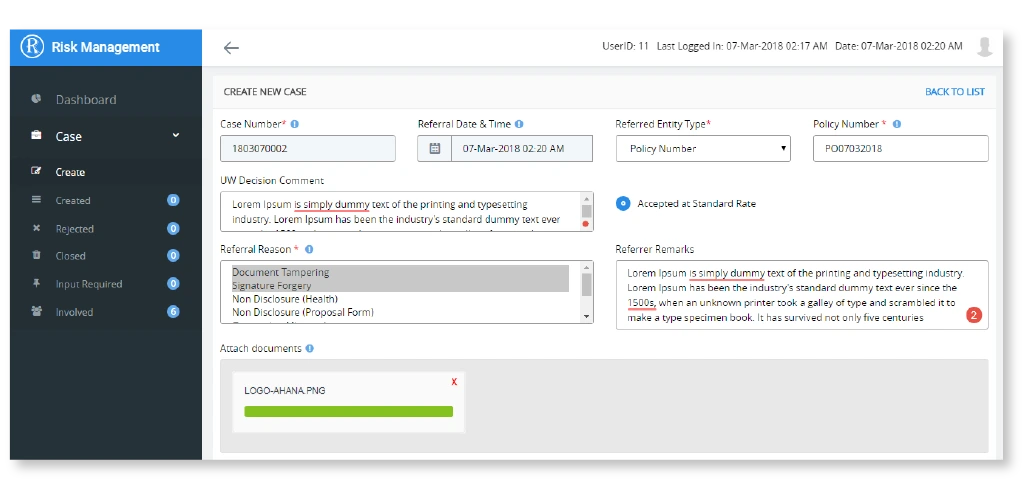
Cases will go through following stages :
Review
The risk user reviews the case in his/her bin.
Inquiry Completed
At this stage the risk user has performed sufficient investigation and able to take decision about the case based on the inputs available from investigation.
Decision and Recommended Action
At his stage risk user gives his/her decision and recommended action to be taken based on the investigation done and inputs received.
Final Action
At this stage risk user indicates the action to be taken for a particular case.
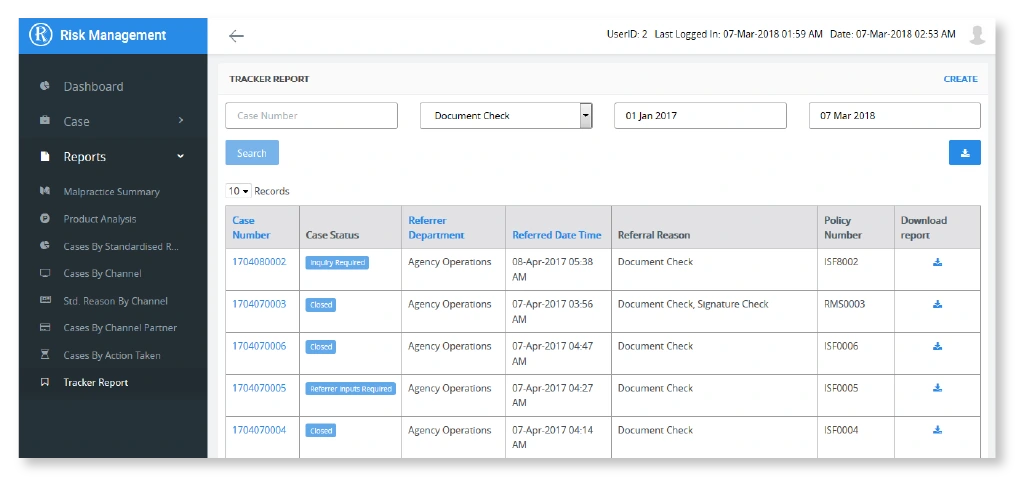
Reports
- Malpractice summary report
- Standardised reason by channel report
- Product analysis report
- Channel partner name report
- Standardised reason report
- Action taken report
- Channel report
- Tracker report
Additional Features
- Bulk upload the cases
- IEmail notification on each case decision status
- Export to Excel
- Auto Case assignment
- Dashboard notification
- Holiday/Leave management
- Audit Trail
- Active Directory Integration